Connect
Only your radio, not every earbud in range
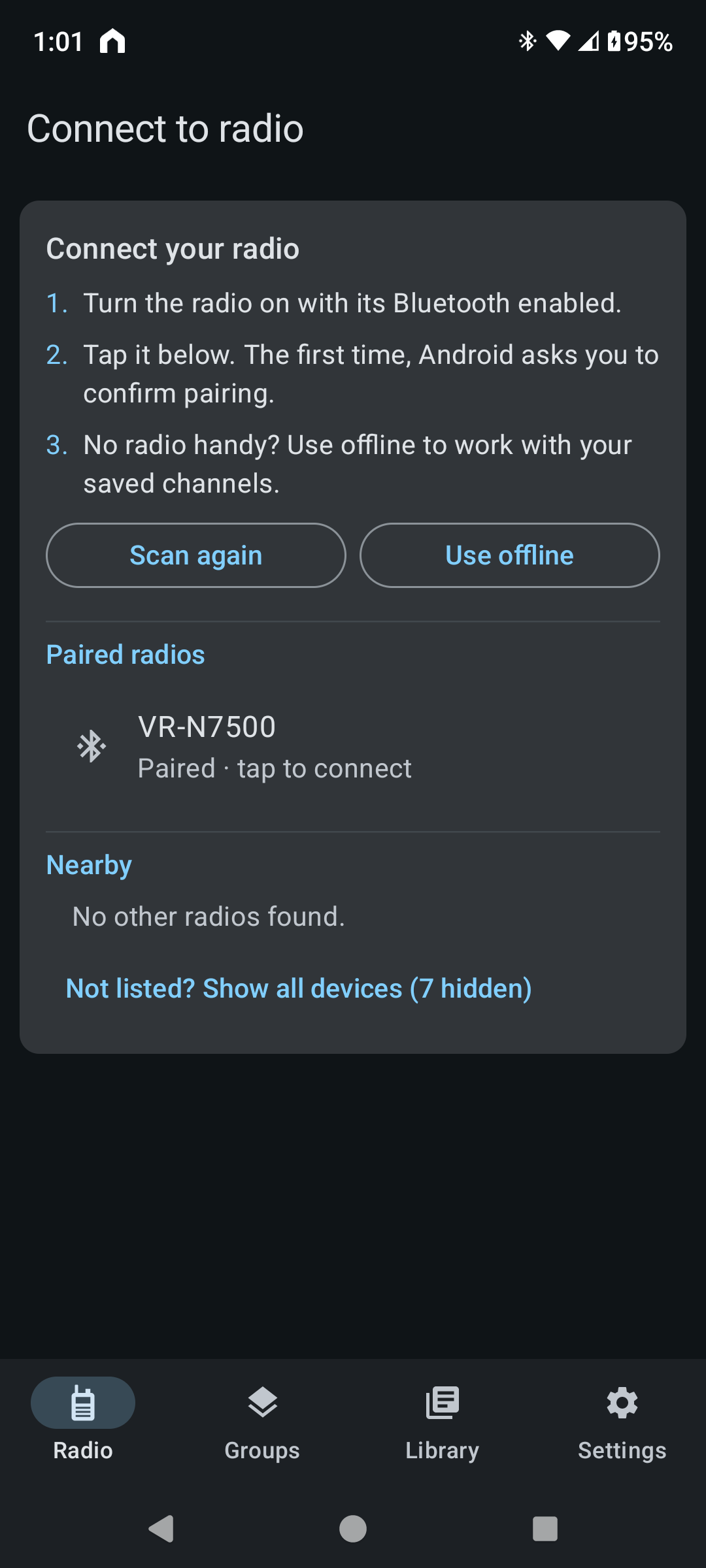
The connect screen starts scanning on its own and lists only devices it knows are radios — radios already paired with your phone first, then any nearby. Earbuds, car stereos, and watches stay out of the way. If yours isn't listed, one tap on "Not listed?" shows everything nearby.
- Reconnects to your radio on its own the next time it's in range
- Three short steps instead of a wall of instructions, and a plain explanation before Android asks for Bluetooth or location access
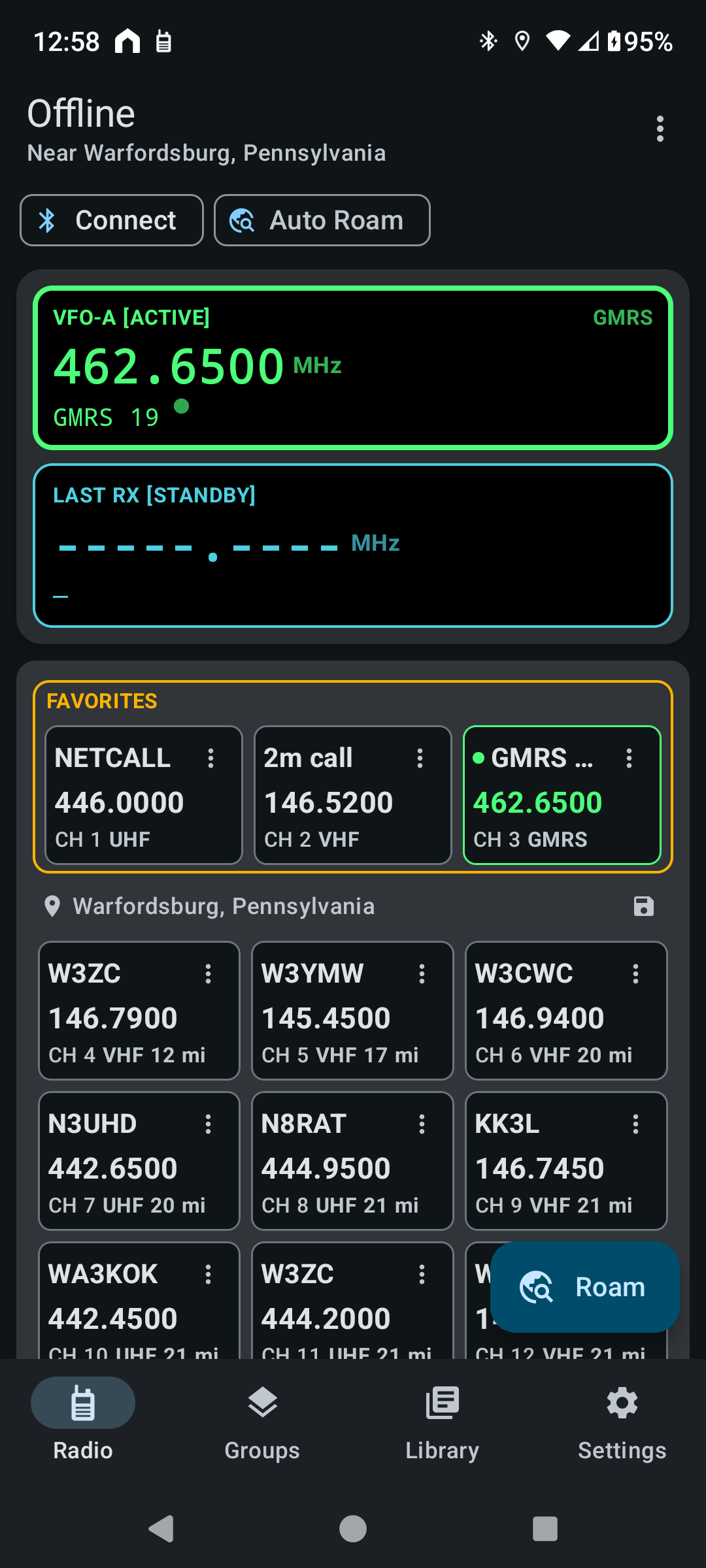
- No radio handy? "Use offline" lets you browse and edit your last-known channels and settings anyway